

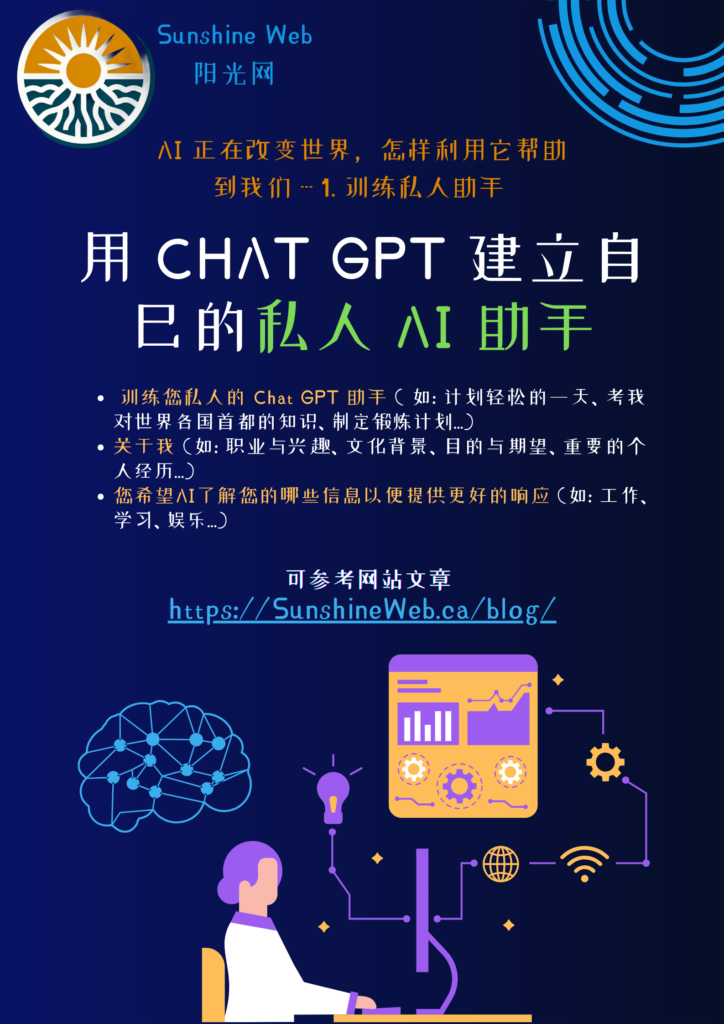
用 Chat GPT 建立自己的私人 AI 助手
Using ChatGPT as a personal assistant can greatly enhance productivity, but to get the most out of it, you’ll want to “train” it to align with your specific needs. Here’s a concise guide to doing just that.
1. Define Your Needs
First, outline what you need ChatGPT to help with, like scheduling, content creation, or customer support. Also, consider your preferred style—do you want concise responses, a friendly tone, or technical accuracy?
2. Set Up Preferences and Context
Establishing routines and preferences helps ChatGPT tailor responses. For example:
- Specify tasks: “Help me draft social media posts weekly.”
- Share style preferences: “Please keep responses brief and professional.”
3. Give Clear Feedback
Guiding ChatGPT’s responses with feedback helps it improve. For example:
- “Can you summarize this more concisely?”
- “Make this explanation simpler.”
4. Use Detailed Prompts
Effective prompts yield better answers. Rather than “Help with this project,” try “Draft a project plan with goals and deadlines.” Experiment with styles to find the prompts that give you the best results.
5. Refine Responses Iteratively
For complex tasks, build the response in steps. For example:
- Start with a broad prompt: “Create a blog outline on AI benefits for small businesses.”
- Add feedback: “Focus on time-saving benefits and add examples.”
- Refine as needed: “Summarize key points in bullet form.”
6. Update Regularly
As your projects or needs evolve, update ChatGPT to reflect new goals. For instance, “I’m now focusing on educational content, so please provide detailed explanations.”
With these tips, you’ll create a customized AI assistant that suits your unique workflow. Through consistent prompts, feedback, and updates, ChatGPT can become a highly personalized and efficient tool for your day-to-day tasks.